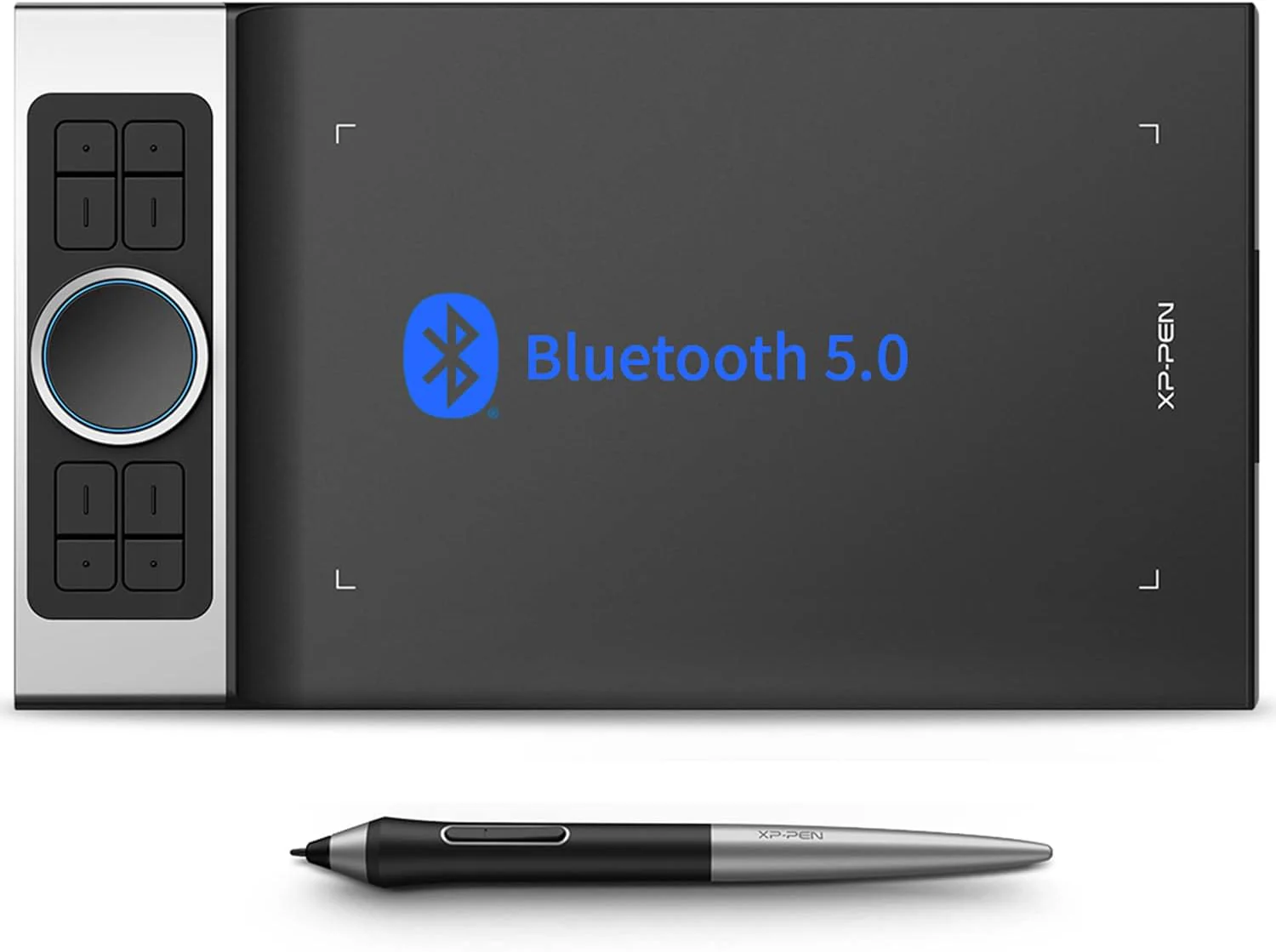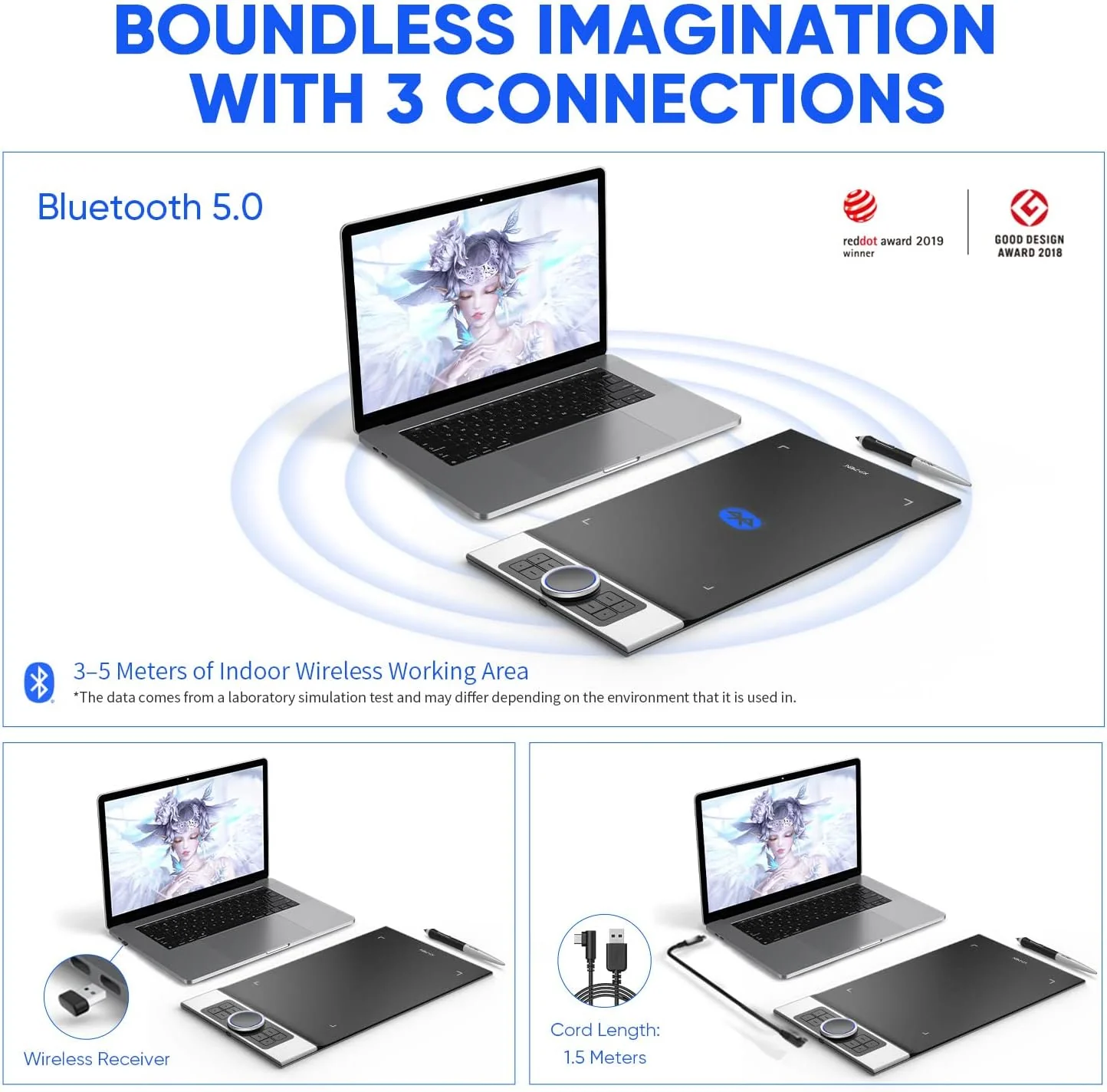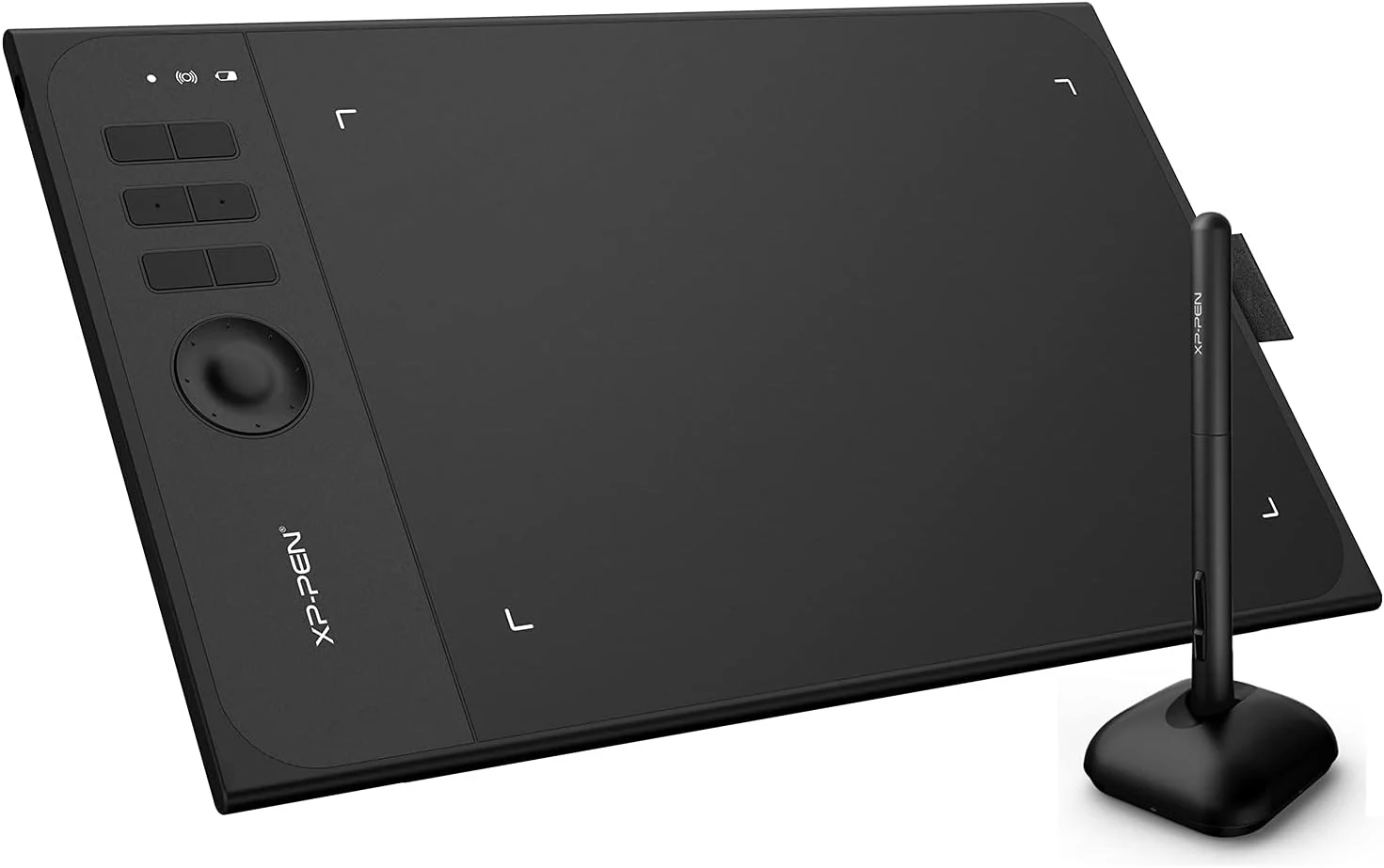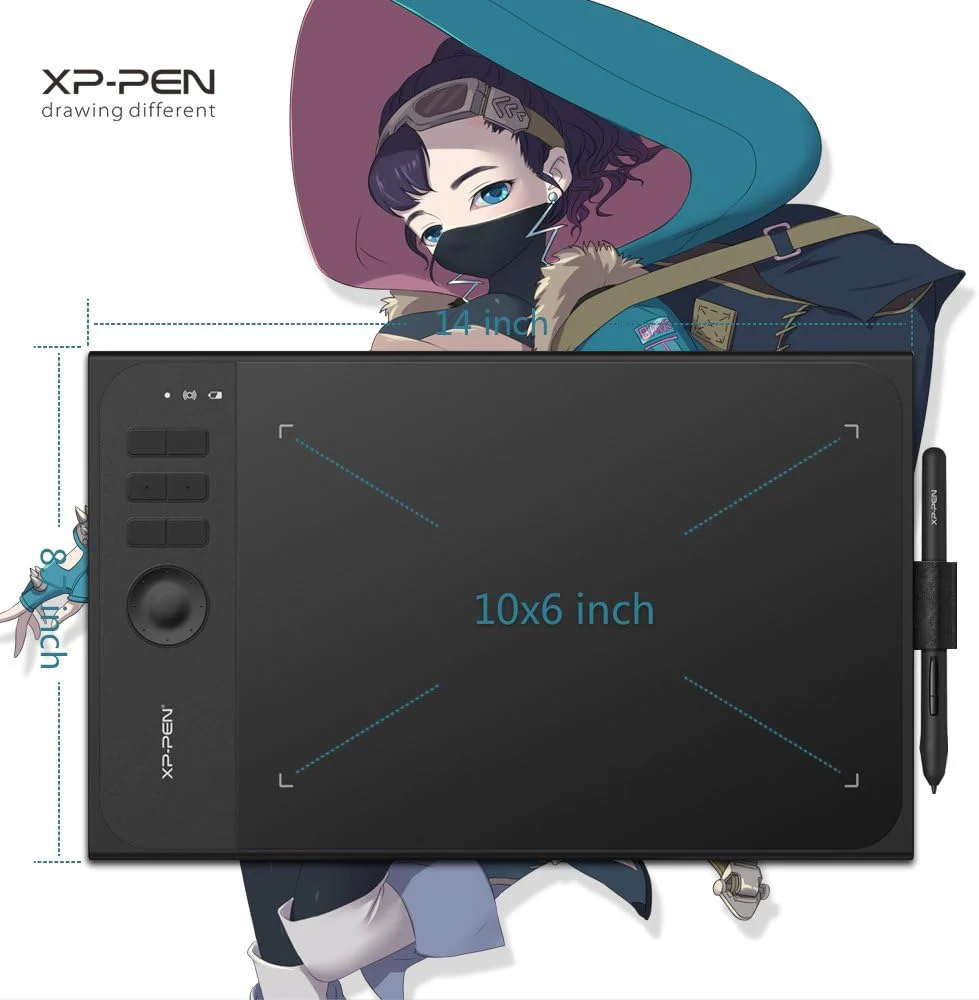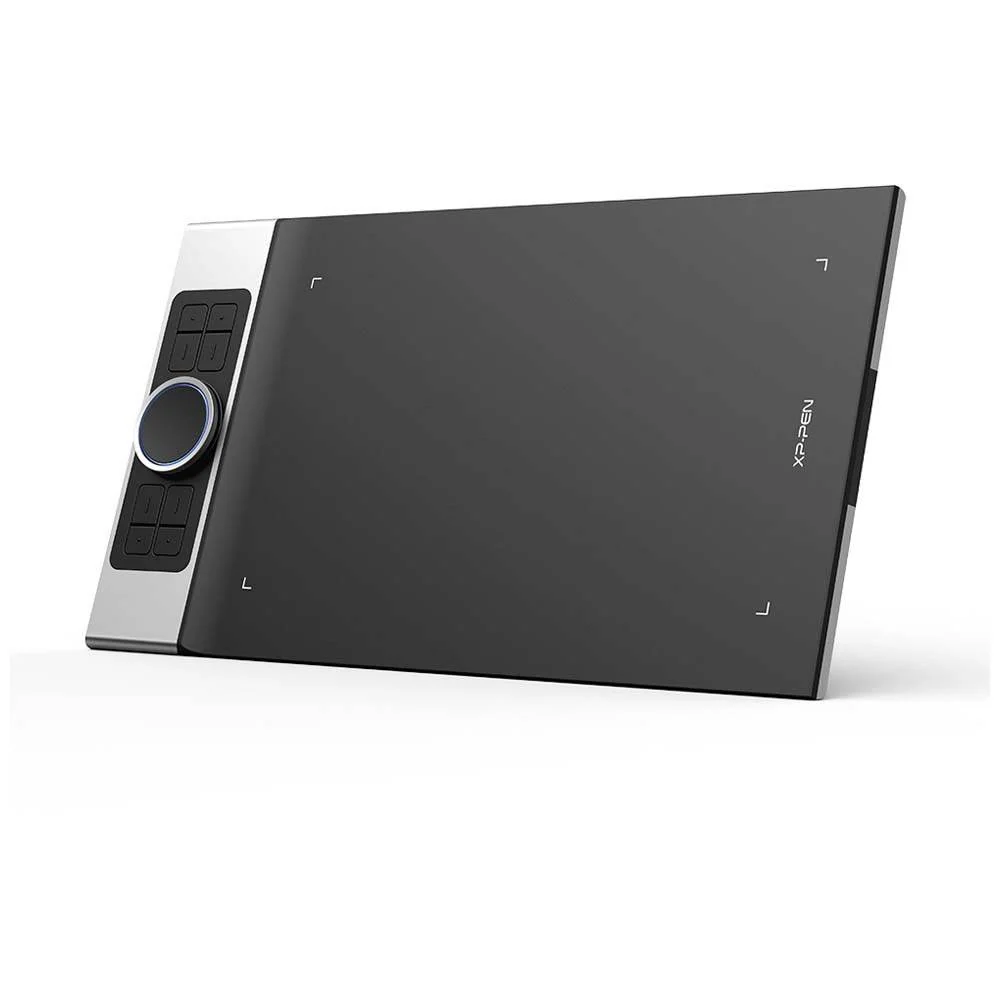


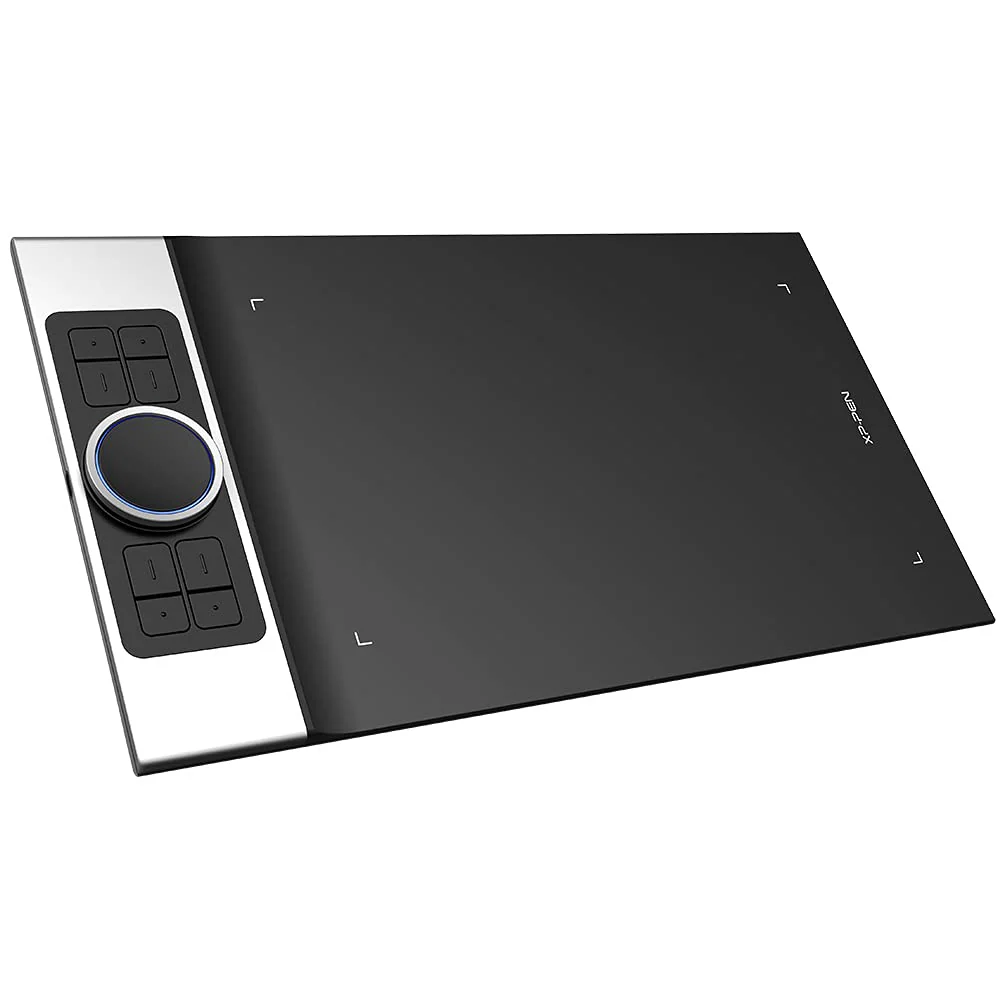

XP-Pen Deco Pro Medium Graphics Drawing Tablet Ultrathin Digital Pen Tablet with Tilt Function
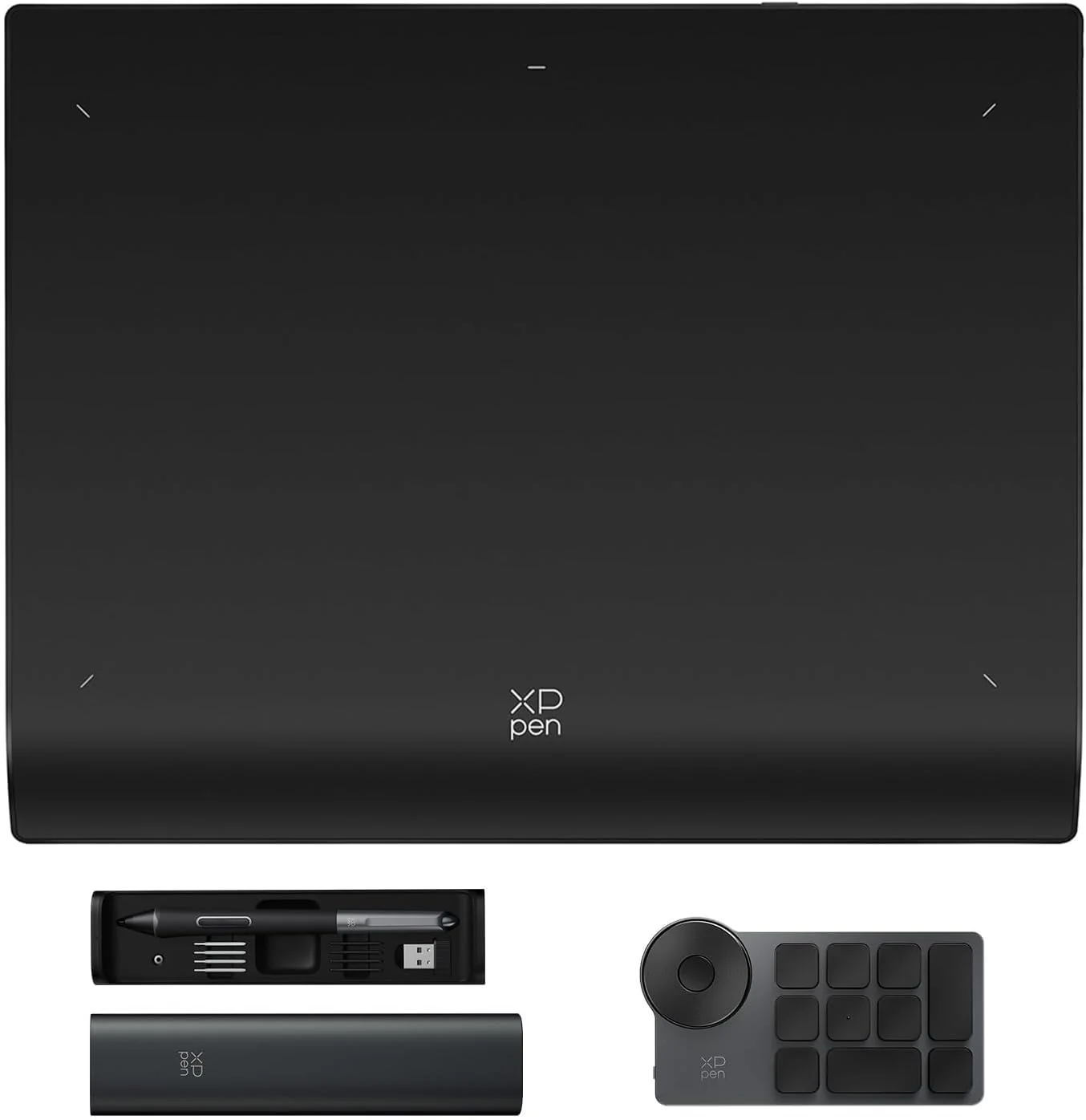
✅ Two Size Options for Your Workflow – Choose Deco Pro S (9×5 inch) for compact control or Deco Pro M (11×6 inch) for more creative space and wider strokes.
✅ Premium Aluminum Build, Ultra-Slim 7mm Body – Built with a sturdy aluminum casing and a sleek curved design that feels smooth to use and looks premium on any desk.
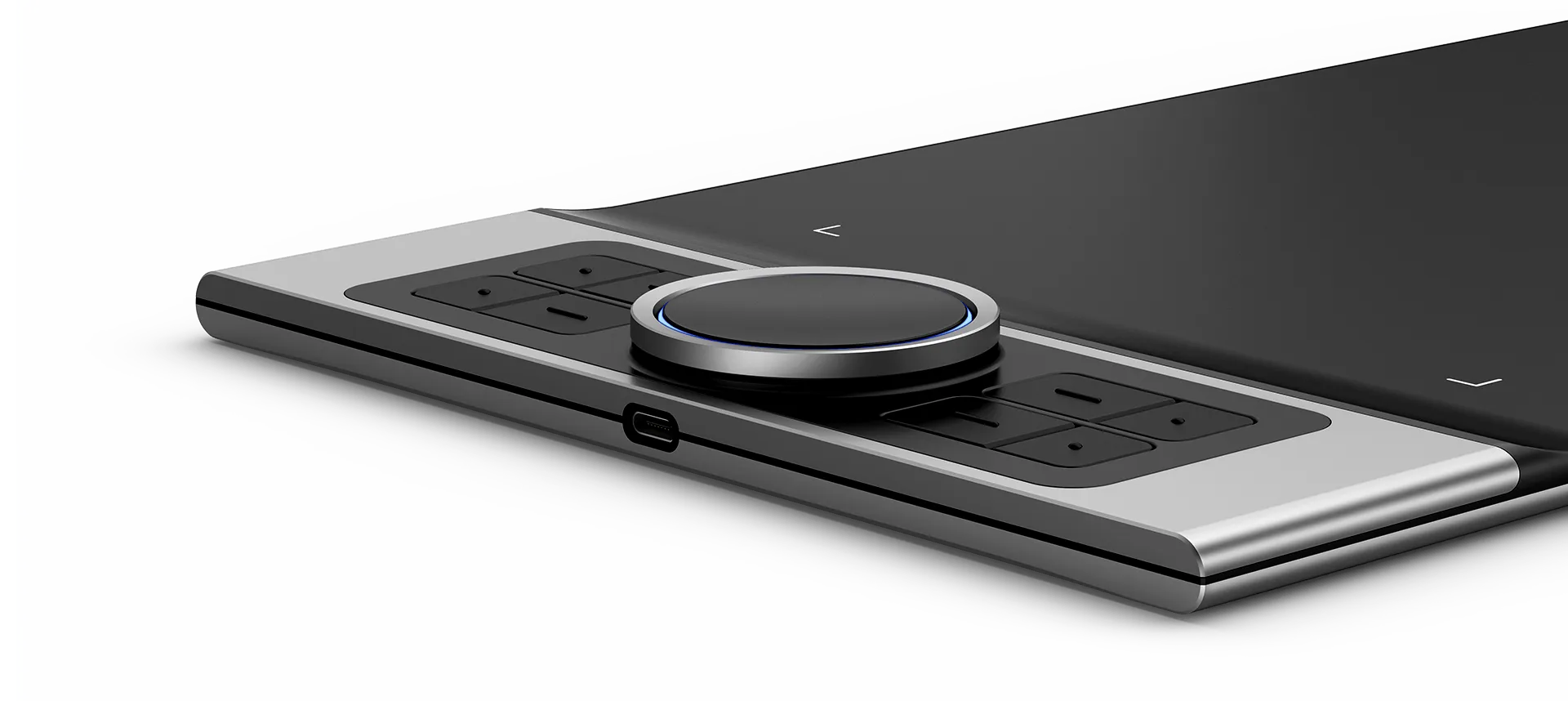
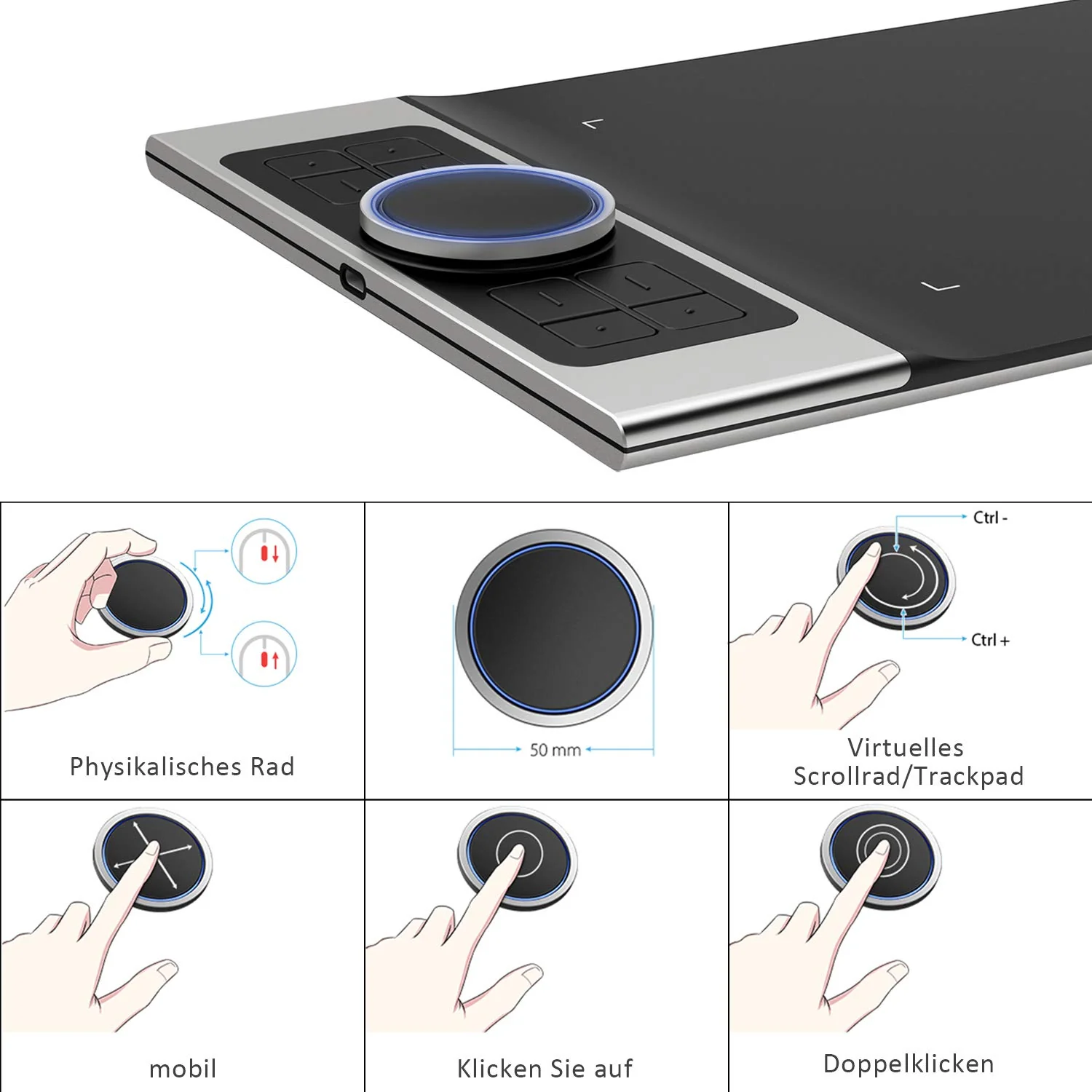
✅ Signature Double Wheel + Trackpad Control – The ground-breaking double wheel design paired with trackpad functionality makes zooming, scrolling, and brush adjustments faster and more intuitive for pro-level creation.
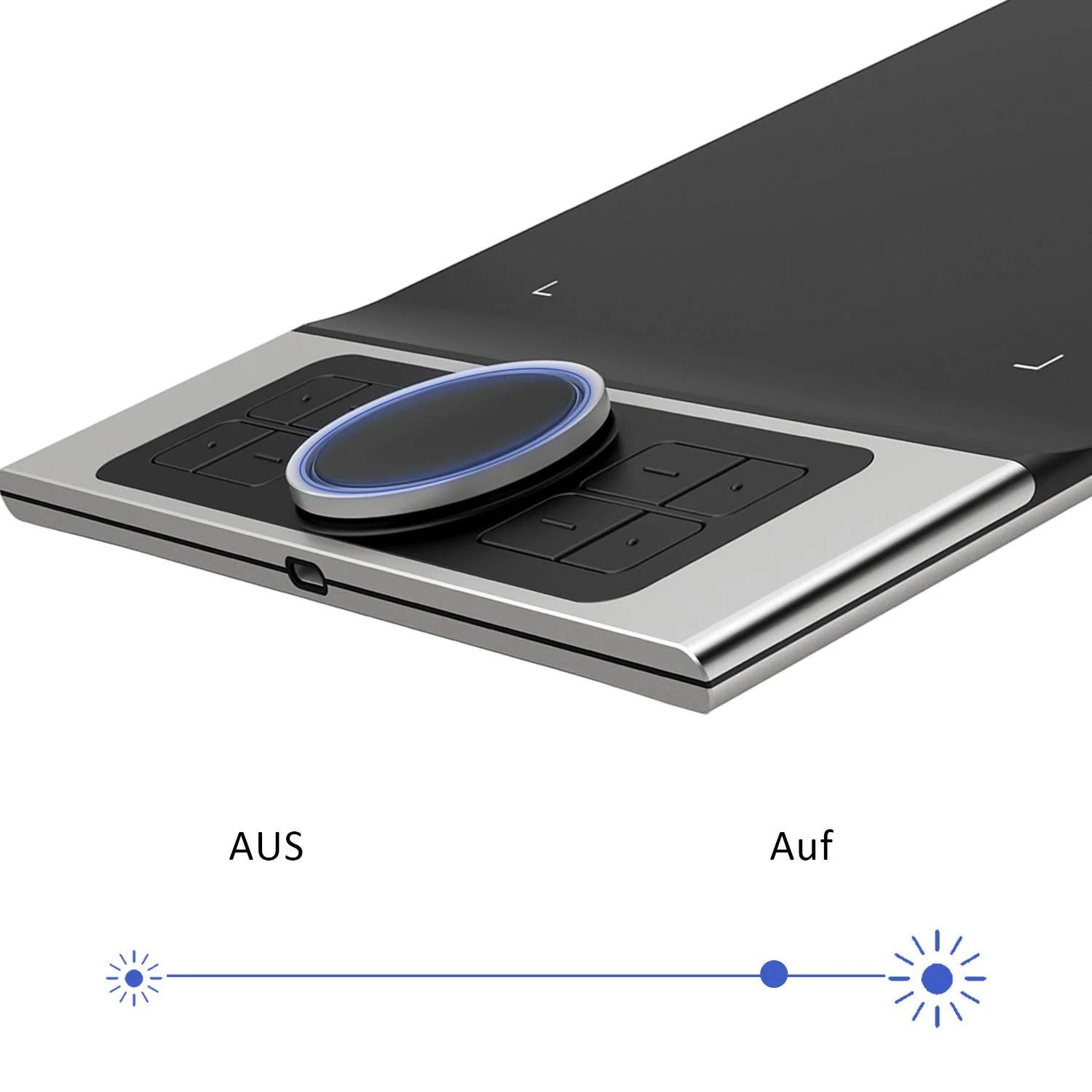
✅ Adjustable Indicator Light – The roller wheel includes an indicator light with adjustable brightness so you can stay focused—even while working in low light.
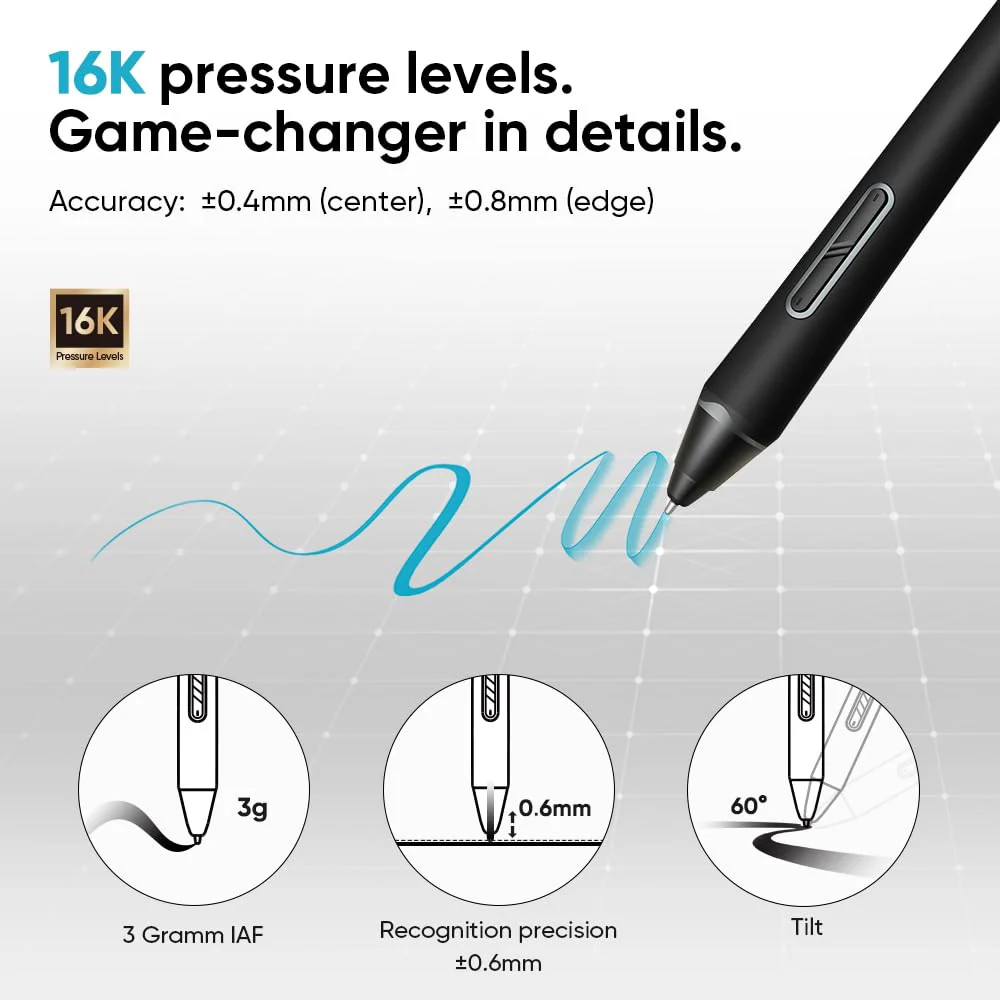
✅ 60° Tilt Support for Natural Shading – Smoothly responds to hand movement, giving you realistic line transitions and effortless shading.
✅ Battery-Free Stylus with 8192 Pressure Levels – Enjoy better accuracy, control, and fluid strokes for fine sketches, linework, and detailing—no charging required.
✅ 8 Customizable Shortcut Keys – Fully programmable keys keep your most-used commands right at your fingertips for a workflow that matches your style.
✅ Perfect for Creation + Teaching – Ideal for digital drawing, design, animation, online teaching, and video conferencing.
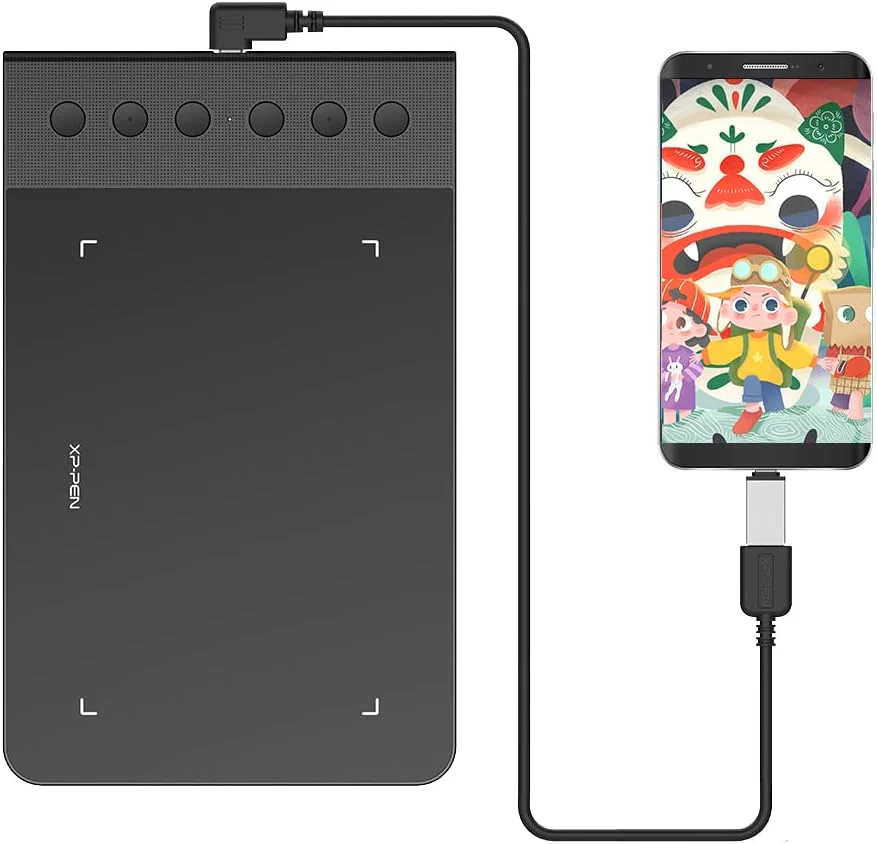
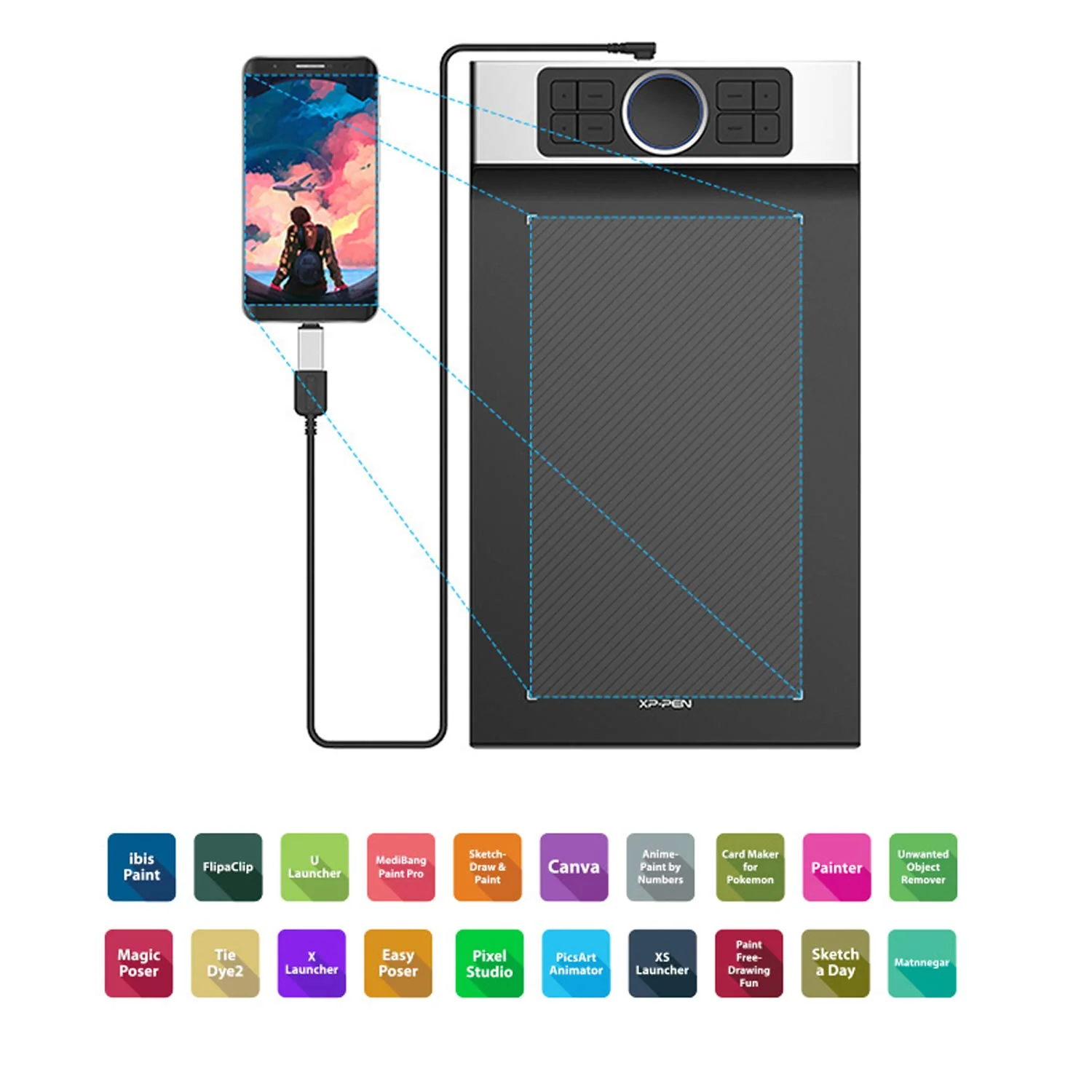
✅ Strong Compatibility – Works with Windows® 7 onwards, Mac OS X® 10.10 and above, and Android 6.0+ (portrait mode only).
✅ Works with Major Software – Compatible with creative tools like Photoshop®, SAI®, Painter®, Illustrator®, and also supports teaching platforms like Zoom, Microsoft Teams, WebEx, and more.
Enhance students’ learning experiences on Chromebooks
Enhance students’ learning experiences on Chromebooks. You can now use Chrome OS on your XP-Pen graphics tablet, allowing you to effortlessly write and create digitally. You can then share and collaborate with teachers and classmates, creating an interactive class atmosphere (even when learning remotely). The XP-Pen stylus offers the functionality of a standard mouse, meaning that you can write, edit, draw and navigate on your Chromebook with ease.

Greater accessibility.
The Deco Pro features 8 responsive shortcut keys and two dial wheels that can be programmed to many different software programs, giving you instant access to specific functions for the task at hand to expand your creative output.

Universality and compatibility.
The XP-Pen Deco Pro Series is compatible with Windows 7/8/10, Mac OS X 10.10 and above, Android 6.0 and above and Chrome OS. Works with most major creative software including Photoshop®, SAI®, Painter®, Illustrator®, Clip Studio®, GIMP®, Medibang®, Krita®, Fire Alpaca®, Blender® 3D and more.

Specifications
| Dimension: | L350.8x W199.5x H16.5mm (thinnest Height 7mm) |
| Active Area : | 11″x5″(230.76mmx 130.16mm) |
| Tilt : | 60 Degrees |
| Pen : | Battery-Free Passive Stylus |
| Pressure Sensitivity: | 8,192 Levels |
| Resolution : | 5080 LPI |
| Report Rate: | Max.≧200 |
| Mechanic Wheel : | 1 |
| Virtual Wheel: | 1 |
| Indicator Light: | ±0.01 Inch |
| Reading Height: | 10 mm |
| Color: | Black and Silver |
| Power Voltage: | DC 5V |
| Interface Support: | USB Type-C |
| Compatibility: | Windows. 10/8/7(32/64 bit), MAC OS X °10.10 and above, Android 6.0 and above |
Package Contents
Video
Specifications
Specifications
| Pen | PA1 Passive Pen |
| Active Area | 11″ x 6″ |
| Pressure Senstivity | 8192 levels |
| Resolution | 5080 LPI (Line Per Inch) |
| Express key | 8 Customizable Express keys |
| Report Rate | 266 RPS (Rotations per second) |
| Accuracy | ±0.01 Inch |
| Reading Height | 10mm |
| Interface Support | Type C USB |
| Color Option | Black |
| Compatibility | Windows 7 onwards and MacOS 10.8 and above Android 6.0 & above |
| Tilt | 60 degrees |
Package Contents
Original: $145.31
-65%$145.31
$50.86Product Information
Product Information
Shipping & Returns
Shipping & Returns
Description
✅ Two Size Options for Your Workflow – Choose Deco Pro S (9×5 inch) for compact control or Deco Pro M (11×6 inch) for more creative space and wider strokes.
✅ Premium Aluminum Build, Ultra-Slim 7mm Body – Built with a sturdy aluminum casing and a sleek curved design that feels smooth to use and looks premium on any desk.
✅ Signature Double Wheel + Trackpad Control – The ground-breaking double wheel design paired with trackpad functionality makes zooming, scrolling, and brush adjustments faster and more intuitive for pro-level creation.
✅ Adjustable Indicator Light – The roller wheel includes an indicator light with adjustable brightness so you can stay focused—even while working in low light.
✅ 60° Tilt Support for Natural Shading – Smoothly responds to hand movement, giving you realistic line transitions and effortless shading.
✅ Battery-Free Stylus with 8192 Pressure Levels – Enjoy better accuracy, control, and fluid strokes for fine sketches, linework, and detailing—no charging required.
✅ 8 Customizable Shortcut Keys – Fully programmable keys keep your most-used commands right at your fingertips for a workflow that matches your style.
✅ Perfect for Creation + Teaching – Ideal for digital drawing, design, animation, online teaching, and video conferencing.
✅ Strong Compatibility – Works with Windows® 7 onwards, Mac OS X® 10.10 and above, and Android 6.0+ (portrait mode only).
✅ Works with Major Software – Compatible with creative tools like Photoshop®, SAI®, Painter®, Illustrator®, and also supports teaching platforms like Zoom, Microsoft Teams, WebEx, and more.
Enhance students’ learning experiences on Chromebooks
Enhance students’ learning experiences on Chromebooks. You can now use Chrome OS on your XP-Pen graphics tablet, allowing you to effortlessly write and create digitally. You can then share and collaborate with teachers and classmates, creating an interactive class atmosphere (even when learning remotely). The XP-Pen stylus offers the functionality of a standard mouse, meaning that you can write, edit, draw and navigate on your Chromebook with ease.
Greater accessibility.
The Deco Pro features 8 responsive shortcut keys and two dial wheels that can be programmed to many different software programs, giving you instant access to specific functions for the task at hand to expand your creative output.
Universality and compatibility.
The XP-Pen Deco Pro Series is compatible with Windows 7/8/10, Mac OS X 10.10 and above, Android 6.0 and above and Chrome OS. Works with most major creative software including Photoshop®, SAI®, Painter®, Illustrator®, Clip Studio®, GIMP®, Medibang®, Krita®, Fire Alpaca®, Blender® 3D and more.
Specifications
| Dimension: | L350.8x W199.5x H16.5mm (thinnest Height 7mm) |
| Active Area : | 11″x5″(230.76mmx 130.16mm) |
| Tilt : | 60 Degrees |
| Pen : | Battery-Free Passive Stylus |
| Pressure Sensitivity: | 8,192 Levels |
| Resolution : | 5080 LPI |
| Report Rate: | Max.≧200 |
| Mechanic Wheel : | 1 |
| Virtual Wheel: | 1 |
| Indicator Light: | ±0.01 Inch |
| Reading Height: | 10 mm |
| Color: | Black and Silver |
| Power Voltage: | DC 5V |
| Interface Support: | USB Type-C |
| Compatibility: | Windows. 10/8/7(32/64 bit), MAC OS X °10.10 and above, Android 6.0 and above |
Package Contents
Video
Specifications
Specifications
| Pen | PA1 Passive Pen |
| Active Area | 11″ x 6″ |
| Pressure Senstivity | 8192 levels |
| Resolution | 5080 LPI (Line Per Inch) |
| Express key | 8 Customizable Express keys |
| Report Rate | 266 RPS (Rotations per second) |
| Accuracy | ±0.01 Inch |
| Reading Height | 10mm |
| Interface Support | Type C USB |
| Color Option | Black |
| Compatibility | Windows 7 onwards and MacOS 10.8 and above Android 6.0 & above |
| Tilt | 60 degrees |
Package Contents