
NSS-368A Network Cable Tester
The NSS-368A Network Cable Tester is a practical, handheld diagnostic tool designed for professionals and DIYers to verify the integrity and wiring configuration of network and telephone cables.
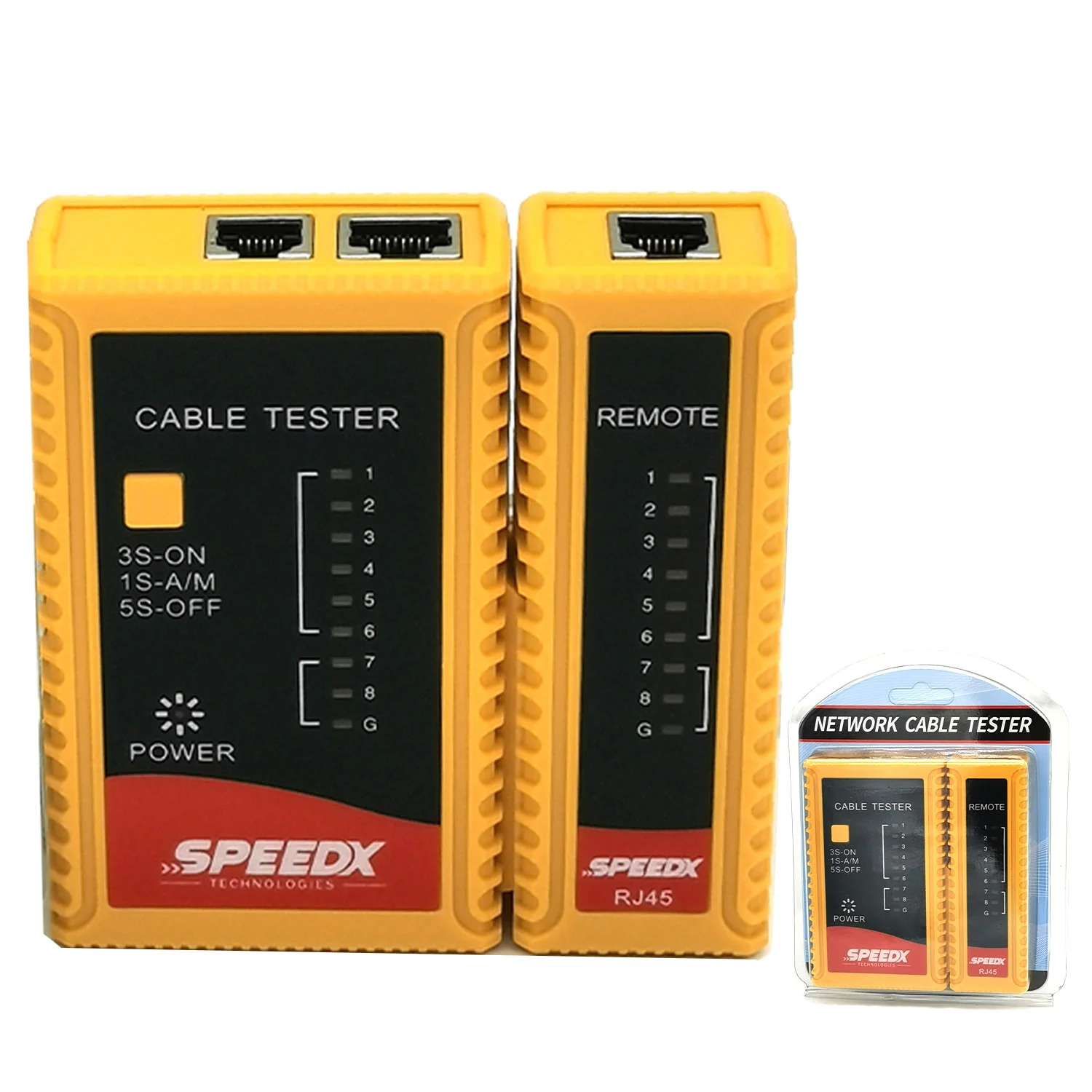
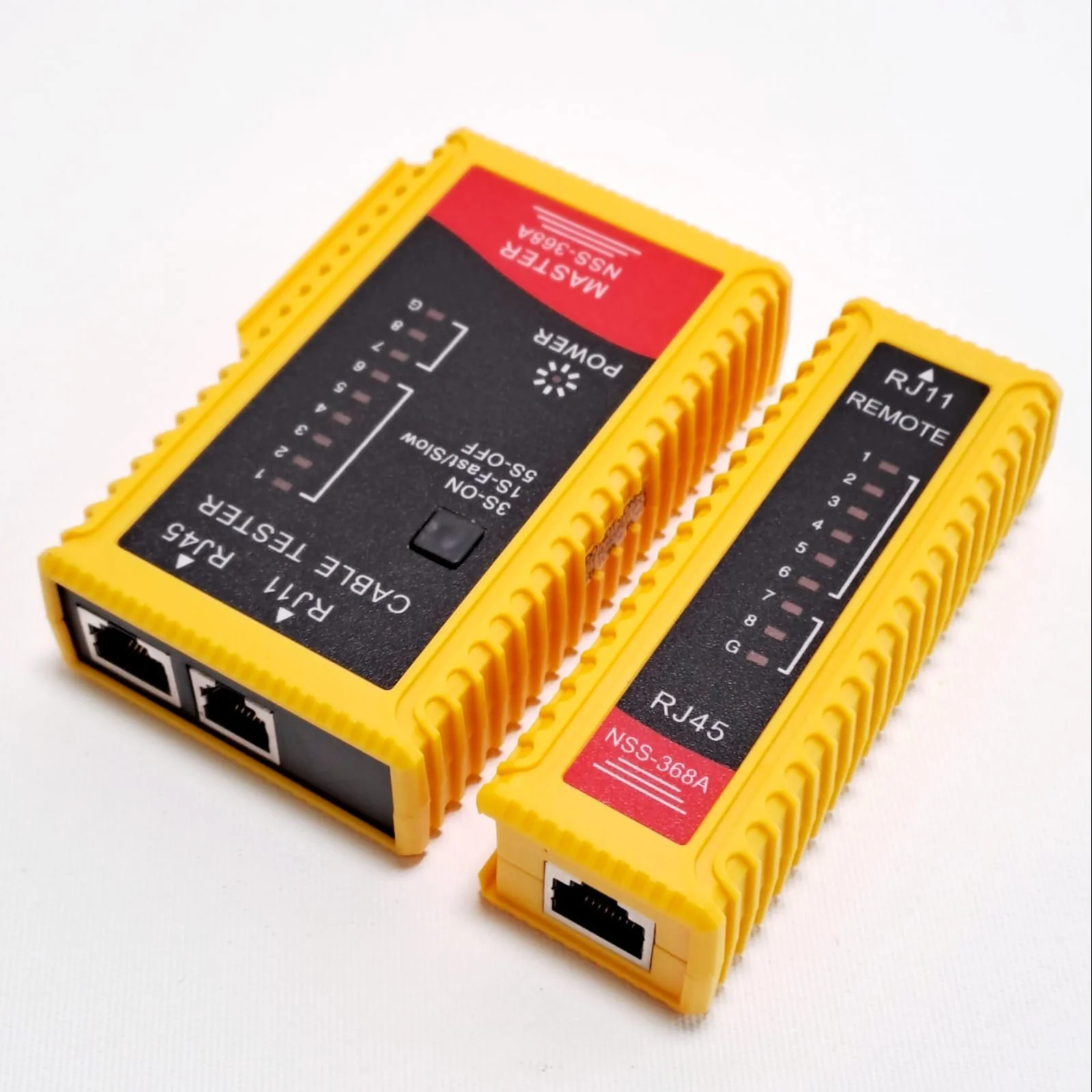
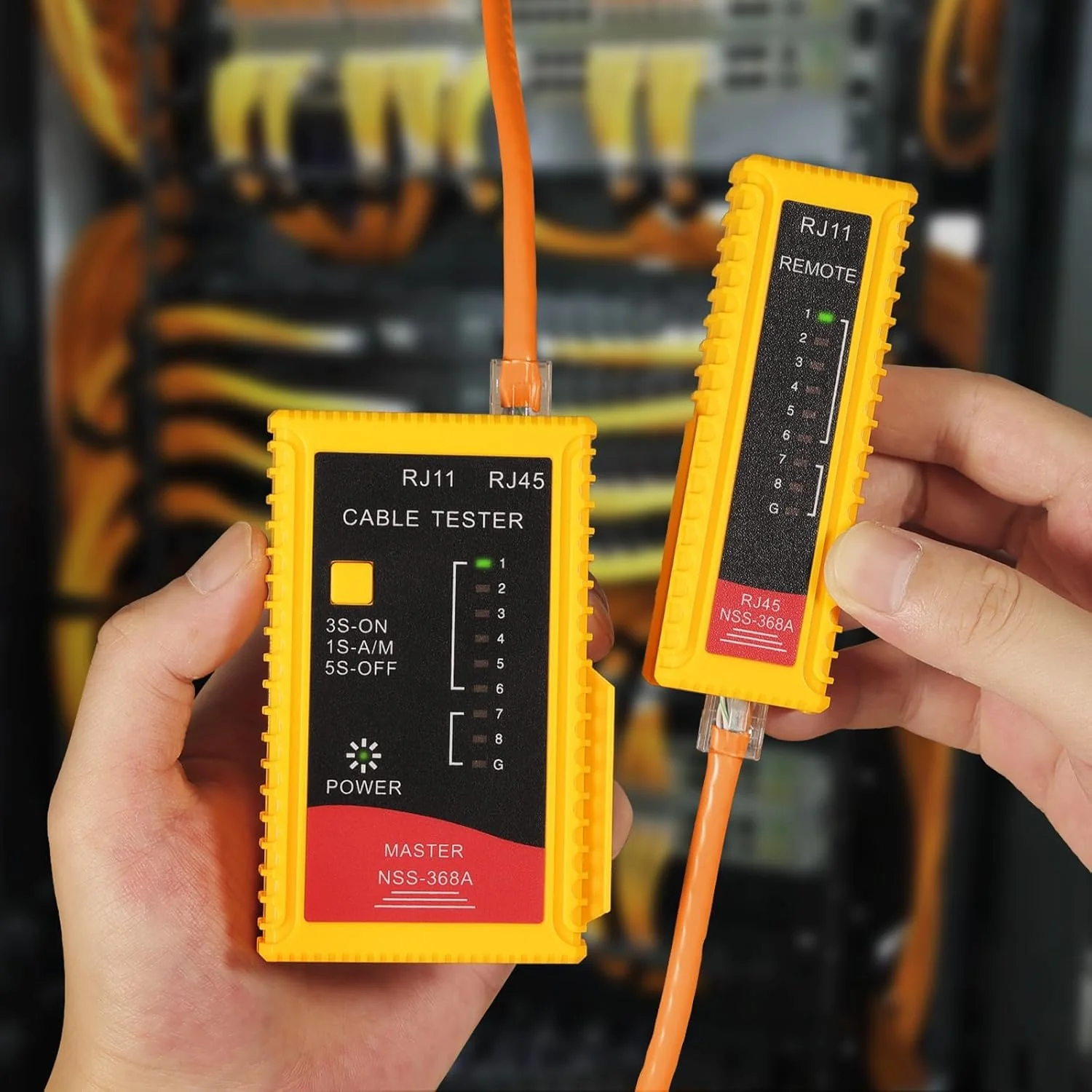
It is a two-piece system consisting of a Master unit and a Remote terminator, allowing you to test cables that are already installed through walls or across large distances.
Core Specifications & Capabilities
-
Supported Cable Types: * RJ45: Ethernet cables (Cat5, Cat5e, Cat6, Cat6a, Cat7).
-
RJ11/RJ12: Telephone and DSL cables.
-
-
Testing Modes: * Auto-Scan: Automatically cycles through the wires at a standard speed.
-
Slow-Scan (S): Cycles through at a slower pace to allow for easier visual inspection of each pin.
-
-
Detection Features: Identifies short circuits, open circuits, crossed pairs, and miswiring.
Key Components
-
Main (Master) Unit: Features the power switch (Off/On/S) and a set of 8-9 LED indicators.
-
Remote Unit: A passive unit that mirrors the signals sent from the Master unit.
-
G-LED (Ground): Specifically used for testing shielded (STP) cables to ensure the grounding wire is intact.
How to Interpret Results
When the tester is active, the LEDs on both units should light up in sequential order (1 through 8) for a standard straight-through Ethernet cable.
| Result | Observation |
| Normal (Straight) | Both units flash 1-2-3-4-5-6-7-8 in perfect synchronization. |
| Short Circuit | Multiple LEDs light up at the same time, or one LED appears significantly dimmer. |
| Open Circuit | One or more LEDs fail to light up on either the Master or Remote unit. |
| Crossed Cable | The sequence on the Remote unit is out of order (e.g., 1-2-6-4-5-3-7-8). |
Usage Tips
-
Don't Test Live Circuits: Never connect this tester to an active network switch or PoE (Power over Ethernet) port, as the voltage can damage the internal circuitry of the tester.
-
Battery Check: If the LEDs appear very faint or cycle erratically, it is usually a sign that the 9V battery needs replacement.
-
Patch Lead Testing: You can slide the Remote unit onto the side of the Master unit to test short patch cables easily at your desk.
Original: $7.49
-65%$7.49
$2.62Product Information
Product Information
Shipping & Returns
Shipping & Returns
Description
The NSS-368A Network Cable Tester is a practical, handheld diagnostic tool designed for professionals and DIYers to verify the integrity and wiring configuration of network and telephone cables.
It is a two-piece system consisting of a Master unit and a Remote terminator, allowing you to test cables that are already installed through walls or across large distances.
Core Specifications & Capabilities
-
Supported Cable Types: * RJ45: Ethernet cables (Cat5, Cat5e, Cat6, Cat6a, Cat7).
-
RJ11/RJ12: Telephone and DSL cables.
-
-
Testing Modes: * Auto-Scan: Automatically cycles through the wires at a standard speed.
-
Slow-Scan (S): Cycles through at a slower pace to allow for easier visual inspection of each pin.
-
-
Detection Features: Identifies short circuits, open circuits, crossed pairs, and miswiring.
Key Components
-
Main (Master) Unit: Features the power switch (Off/On/S) and a set of 8-9 LED indicators.
-
Remote Unit: A passive unit that mirrors the signals sent from the Master unit.
-
G-LED (Ground): Specifically used for testing shielded (STP) cables to ensure the grounding wire is intact.
How to Interpret Results
When the tester is active, the LEDs on both units should light up in sequential order (1 through 8) for a standard straight-through Ethernet cable.
| Result | Observation |
| Normal (Straight) | Both units flash 1-2-3-4-5-6-7-8 in perfect synchronization. |
| Short Circuit | Multiple LEDs light up at the same time, or one LED appears significantly dimmer. |
| Open Circuit | One or more LEDs fail to light up on either the Master or Remote unit. |
| Crossed Cable | The sequence on the Remote unit is out of order (e.g., 1-2-6-4-5-3-7-8). |
Usage Tips
-
Don't Test Live Circuits: Never connect this tester to an active network switch or PoE (Power over Ethernet) port, as the voltage can damage the internal circuitry of the tester.
-
Battery Check: If the LEDs appear very faint or cycle erratically, it is usually a sign that the 9V battery needs replacement.
-
Patch Lead Testing: You can slide the Remote unit onto the side of the Master unit to test short patch cables easily at your desk.