j5Create JDA158V2 Displayport To 4K 60Hz HDMI Active Adapter
- • Easy-to-use cable
- • No software required
- • Active DisplayPort™ conversion
- • Easy installation
- • Compliant with DisplayPort™ v1.2
- • Compliant with HDMI 1.4a specifications- up to 3 Gbps
- • Supports resolutions up to 4K Ultra HD (4096 x 2160 @ 60Hz) and 3D video formats over HDMI
- • Supports Audio
- • Features are subject to the capabilities of the computer and graphics card solution
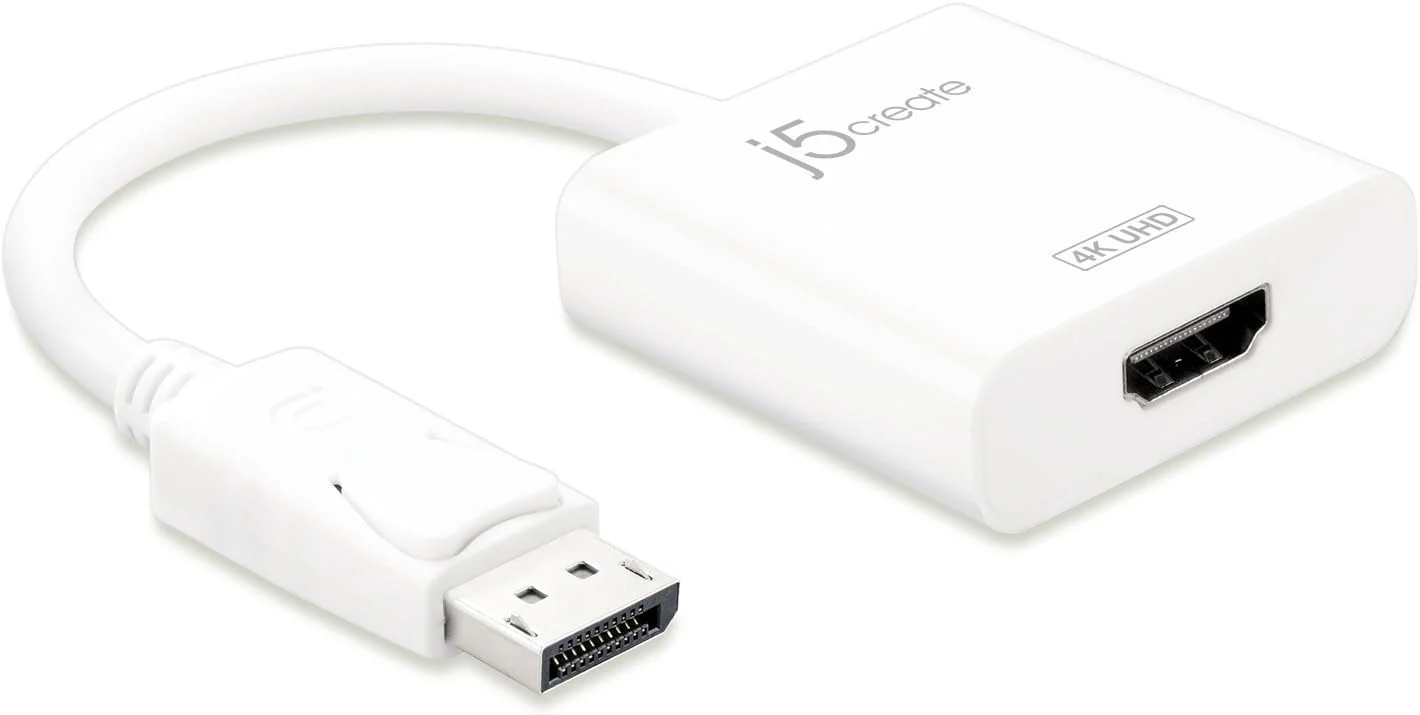
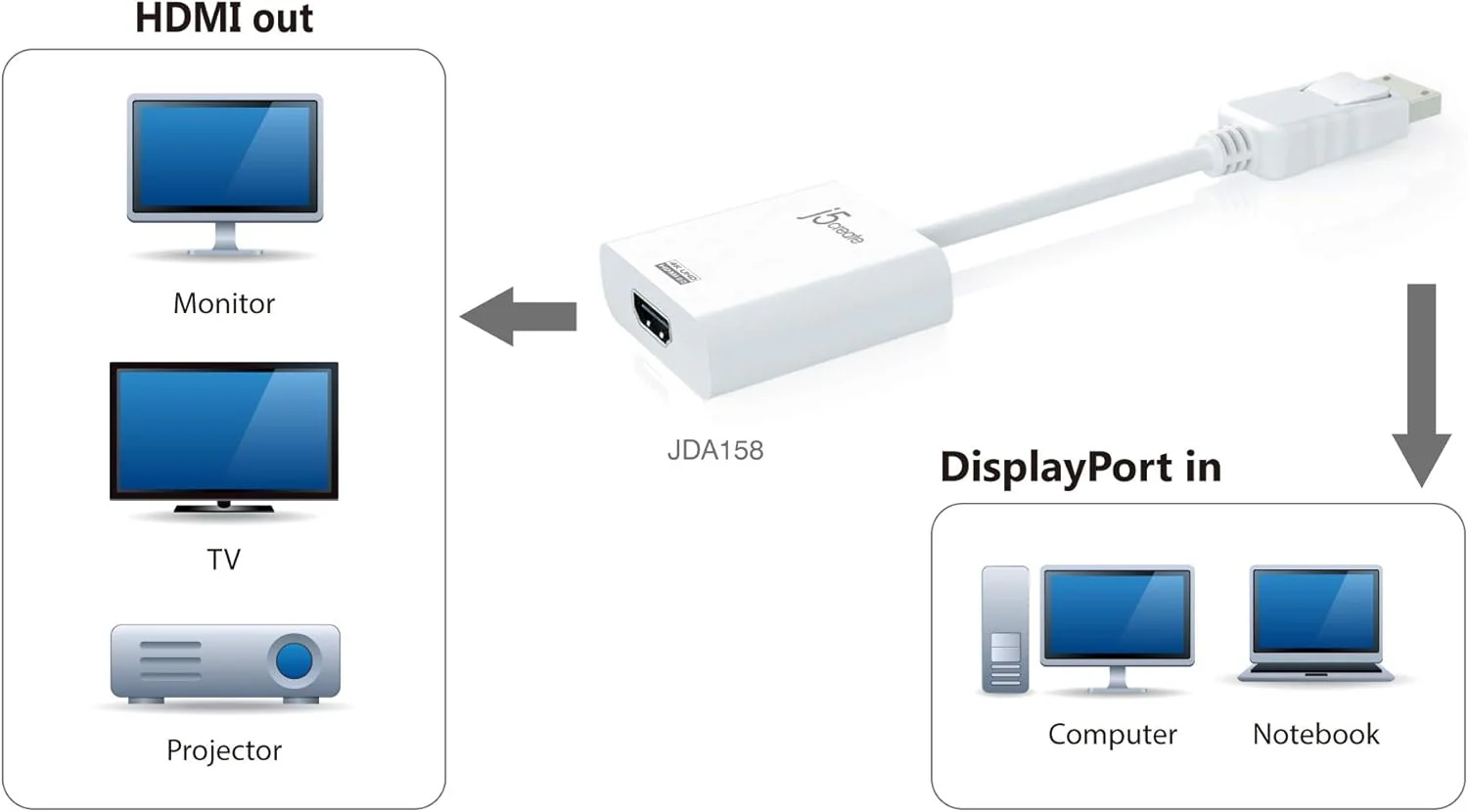
The JDA158 DisplayPort™ to 4K HDMI Active Adapter allows you to quickly and easily connect your Mac or PC to a 4K HDTV or other display device using an HDMI input. Simply connect the DisplayPort™ end of the connector to your computer and plug your existing HDMI cable from the display into the adapter. The adapter seamlessly converts the DisplayPort™ video signal into an HDMI signal for a fast plug-and-play setup. Fully DisplayPort™ 1.2 compliant, also compatible with DisplayPort™ 1.1
|
Interface |
|
|
Host Interface |
DisplayPort™ Male Connector |
|
Video & Audio Interface |
HDMI Female Connector |
|
Converter Type |
Active |
|
Physical Specifications |
|
|
Housing Material |
Plastic |
|
Dimensions |
Main body: |
|
Weight |
Approximately 0.04 lbs (17.5 g) |
System requirements
- Available DisplayPort™ 1.2
- The maximum resolution for DisplayPort™ 1.1a is 2560 x 1200
Original: $23.33
-65%$23.33
$8.17Product Information
Product Information
Shipping & Returns
Shipping & Returns
Description
- • Easy-to-use cable
- • No software required
- • Active DisplayPort™ conversion
- • Easy installation
- • Compliant with DisplayPort™ v1.2
- • Compliant with HDMI 1.4a specifications- up to 3 Gbps
- • Supports resolutions up to 4K Ultra HD (4096 x 2160 @ 60Hz) and 3D video formats over HDMI
- • Supports Audio
- • Features are subject to the capabilities of the computer and graphics card solution
The JDA158 DisplayPort™ to 4K HDMI Active Adapter allows you to quickly and easily connect your Mac or PC to a 4K HDTV or other display device using an HDMI input. Simply connect the DisplayPort™ end of the connector to your computer and plug your existing HDMI cable from the display into the adapter. The adapter seamlessly converts the DisplayPort™ video signal into an HDMI signal for a fast plug-and-play setup. Fully DisplayPort™ 1.2 compliant, also compatible with DisplayPort™ 1.1
|
Interface |
|
|
Host Interface |
DisplayPort™ Male Connector |
|
Video & Audio Interface |
HDMI Female Connector |
|
Converter Type |
Active |
|
Physical Specifications |
|
|
Housing Material |
Plastic |
|
Dimensions |
Main body: |
|
Weight |
Approximately 0.04 lbs (17.5 g) |
System requirements
- Available DisplayPort™ 1.2
- The maximum resolution for DisplayPort™ 1.1a is 2560 x 1200